
Order payment
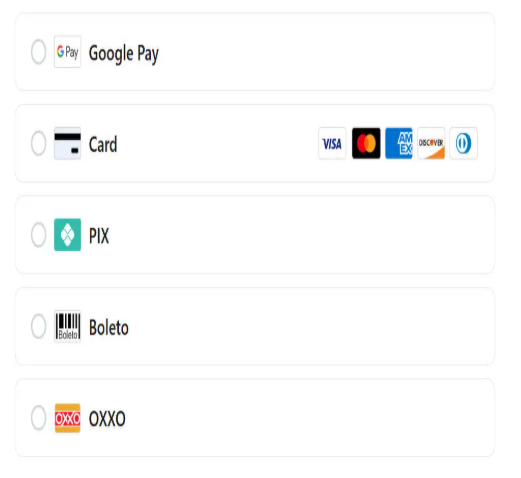
Complete your payment.
Need another currency? On the payment page, select “Change currency” at the top right, then choose your preferred currency. The displayed amount updates automatically.
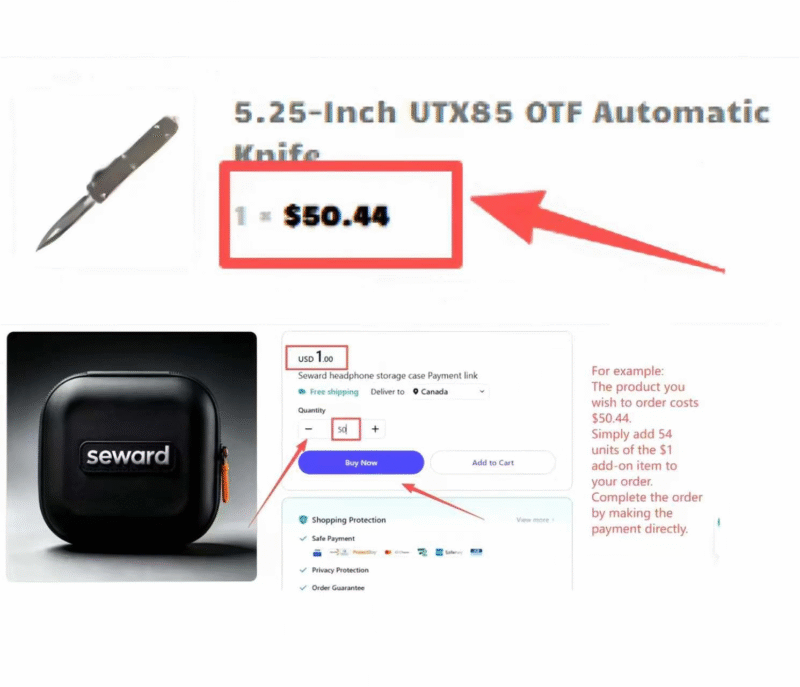
Use either payment option below. Each item is USD $1, so the quantity must match the whole-dollar amount confirmed for your order.
Example: If your confirmed amount is $50, set the quantity to 50. If the total includes cents, contact us before paying.
Three simple steps
Only pay an amount confirmed for your order. Never send card numbers, passwords, or verification codes by email.
01
Confirm the total
Use the amount shown on your order or confirmed by our team.
02
Set the quantity
One item equals USD $1. Match the quantity to your confirmed amount.
03
Send confirmation
Email your order number or payment screenshot after checkout.